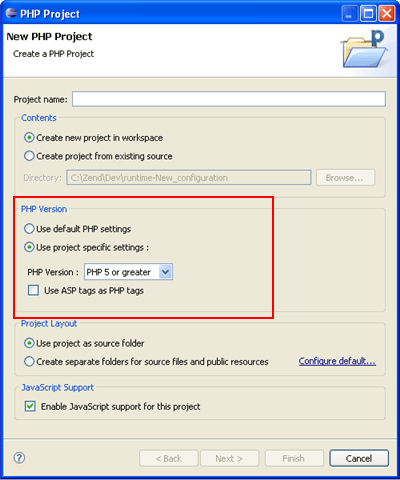
The default PHP executable used for new projects can be set in the PHP Interpreter Preferences page. Through this page you can also set the PHP version for specific projects. In addition, you can select which PHP Version should be used when creating a new PHP project by marking the Enable Project Settings checkbox in the New PHP Project dialog.
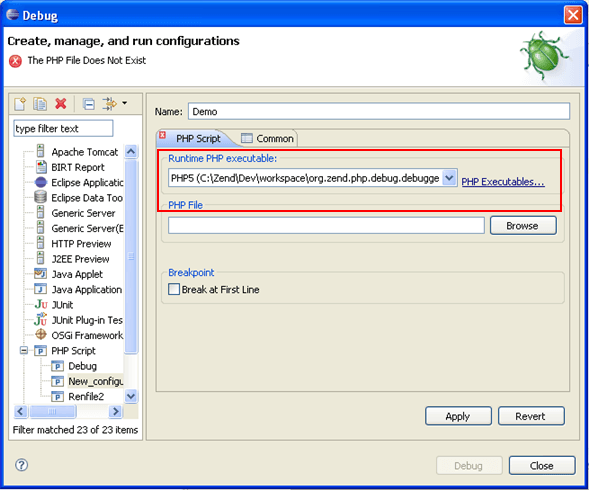
The default PHP executable used with the debugger can be set in the Debugging Preferences page, accessed from Window | Preferences | PHP | Debug. Through this page you can also set the PHP executable used to debug specific projects. In addition, you can also configure the PHP executable used for each Debug session in the Debug configuration screen.
Note:
In order to minimize errors, the PHP Executable used for debugging should match the PHP version used for the project.